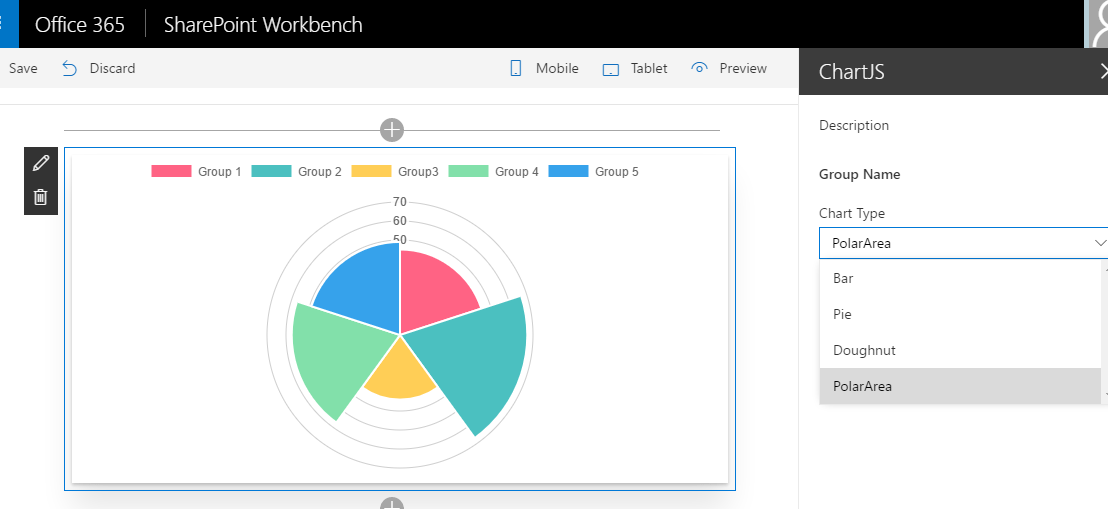
Chart.js is a very handy Javascript charting library, lightweight, flexible, sleek UI and free of charge. In this blog post, I will walk through the steps to build SharePoint Framework client-side web parts using Chart.js library. I have created a demo client-side chart web part with the source code on github. This web part allows … Continue reading Building SPFx Client-Side Web Parts using Chart.js
Author: Linxiao Ma
Setup an Azure Dev VM for Testing Power BI + SQL Server 2016 Integration
This blog post walks through the steps to setup an Azure dev vm for testing Power BI + SQL Server 2016 integration: Provision the Azure VM using SQL Server 2016 developer image Configure the SSAS/SSRS services Install development software Install sample databases Integrate SSRS and Power BI Service Install and configure Personal Power BI Gateway (Optional) … Continue reading Setup an Azure Dev VM for Testing Power BI + SQL Server 2016 Integration
Automating Language Translations using Microsoft Flow and Translator Text Service
I had a quick play on the preview version of Microsoft Flow, one of the newest toys offered by Microsoft for creating automated workflows linking a broad range of online apps and services. One feature interested me is the Microsoft translator service which can automate the translation process between languages. So where can we use … Continue reading Automating Language Translations using Microsoft Flow and Translator Text Service
ABC Classification Analysis with Tableau
In one of my previous posts, I have conducted an ABC Classification analysis using MDX against a SSAS Cube. In this post, I will conduct an ABC Classification analysis using Tableau calculations. In this example, we want to classify the products based on their sales amount into three categories: ‘A’ (make up the top 5% of total sales), … Continue reading ABC Classification Analysis with Tableau
Inspecting SharePoint Metadata using Power Query
Power Query is a self-service ETL tool from Microsoft which is able to extract data from a broad range of data sources, transform the data, and finally load the data to PowerPivot. However, I have recently found that Power Query could also be a very handy SharePoint Metadata viewer to inspect the schema of SharePoint sites, lists, content … Continue reading Inspecting SharePoint Metadata using Power Query
Tableau #2 – Visualising Eurovision Voting Path
In the last blog post, I've created a box-and-whisker plot to compare UK's performance on Eurovision contest with others. That would be good to have a nice Viz to show where the votes from for each country. This can be achieved using Tableau Map and Path. It is straightforward to create this Viz using the Path … Continue reading Tableau #2 – Visualising Eurovision Voting Path
Tableau #1 – Analysis of UK’s Eurovision performance
Eurovision is my favourite song contest programme, not only because of the not bad songs but also the acid humour from the BBC presenter Terry Wogan. I have been watching this show for a few years, from my memory, UK has constantly performed poorly on the final voting which has been blamed as "tactical Eastern … Continue reading Tableau #1 – Analysis of UK’s Eurovision performance
Building SharePoint Solutions using SQL Server Reporting Services
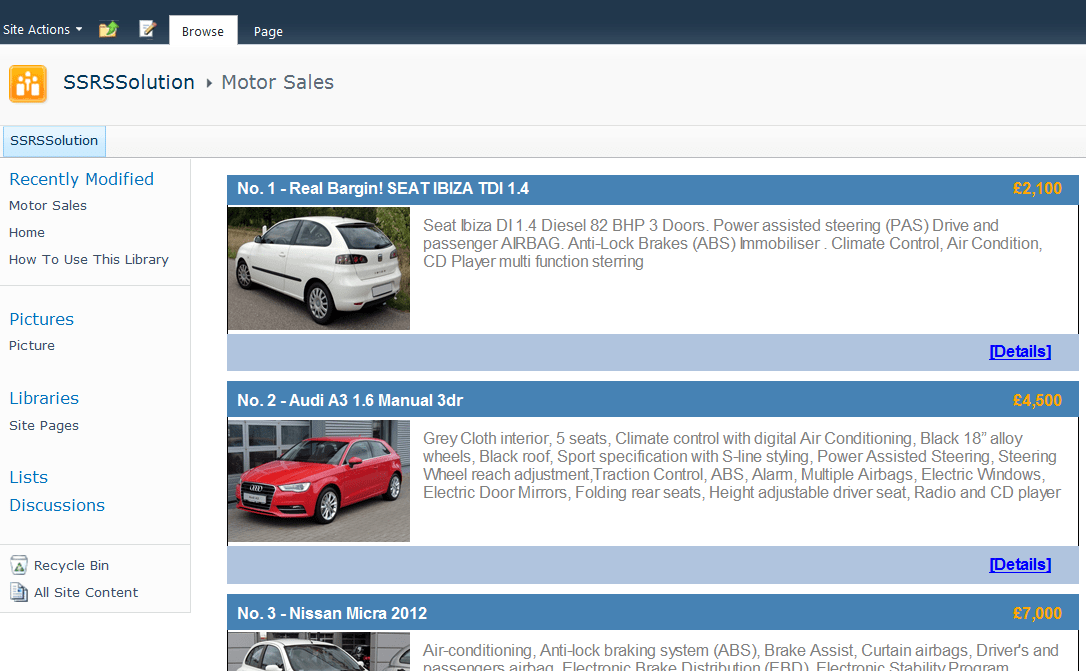
There are many options available for building SharePoint-based applications. This blog post introduces another non-traditional option - building SharePoint application using SQL Server Reporting Services. To introduce this approach, I will demo how to create a simplified second-hand car listing solution (within less than one hour): Firstly, we go to a Sharepoint site and create … Continue reading Building SharePoint Solutions using SQL Server Reporting Services
Creating PowerView Style Filters on SQL Server Reporting Services Reports
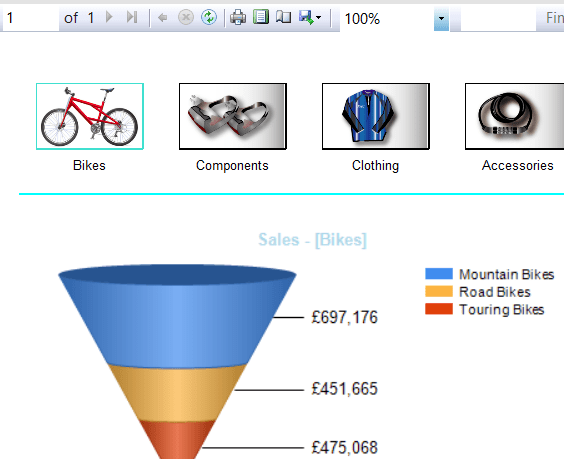
PowerView, the new commer of Microsoft reporting tools family, empowers report builders to create eye-catching reports with wow-factors in a rather simple way. One nice feature offered by PowerView is the image-based filter. Obviously, it would produce much better user experience compared to the drop down style filter in SSRS. Not only it looks much nicer, but … Continue reading Creating PowerView Style Filters on SQL Server Reporting Services Reports
MDX #5 – Product Sales Growth Analysis
Business Question 1: What are the top(n) products with highest sales growth from previous year in each sales territory? Firstly, we need get the sales of previous year using ParallelPeriod method and then calculate the sales growth (%) by comparing the sales of current year aganist previous year. We will then combining GENERATE and TOPCOUNT … Continue reading MDX #5 – Product Sales Growth Analysis


You must be logged in to post a comment.